Reports
Open Reports and pick a report at the top:
| Report | One row per | Answers |
|---|---|---|
| Trips | Trip | Where each device went: start, end, duration, distance and stops |
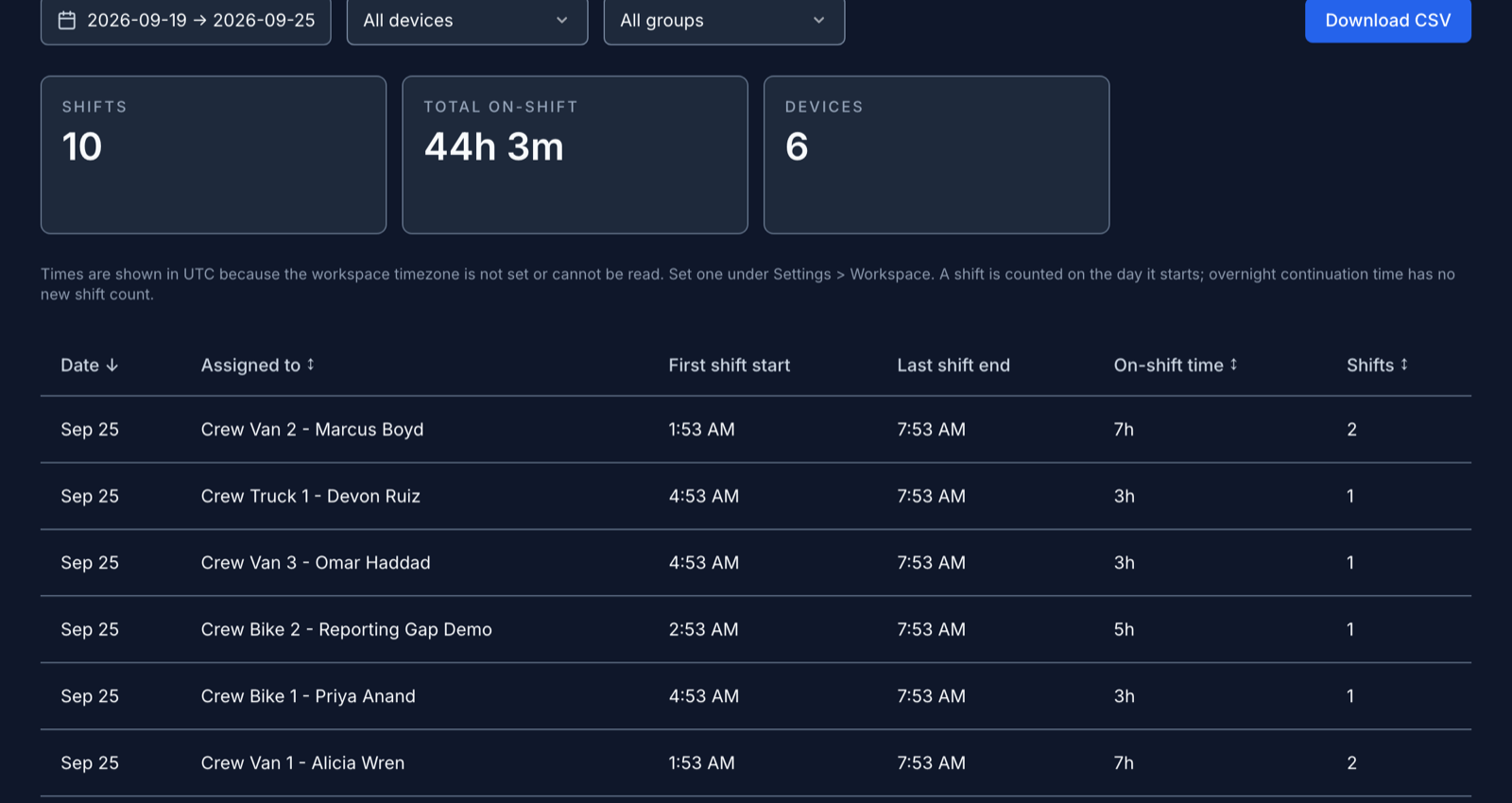
| Attendance | Device and day | When each person started and ended shifts, and their time on shift |
| Mileage | Device | Distance covered in the period |
| Time on site | Device, geofence and day | Time spent inside each geofence, and the number of visits |
| Idle stops | Stop | Where a device sat still during a shift, and for how long |
| Detention | Visit | Arrival, departure and time on site at each geofence, time over the free time, and the amount owed |
Filter and download
Every report covers the last 7 days until you pick another range. Narrow it to one device with All devices, or to one group of devices with All groups. A device's group is set through the API. Download CSV saves exactly what the table shows.
Idle stops counts stops of 5 minutes or more; change the threshold in the filter bar. Detention starts counting after 120 minutes of free time on site. Enter your own free time, and enter a rate in dollars per hour to see the amount owed.
Which report to use
Attendance comes from shifts: when each person started and ended one in the app. It doesn't check where they were. For presence at a worksite, use Time on site, which counts time inside each geofence. A person inside two overlapping geofences gets time in both.
A few rules that affect the numbers:
- A shift counts on the day it starts, so an overnight shift is one shift.
- A trip starts when the device starts moving. A trip still under way shows as in progress.
- A detention visit that runs past midnight stays one row.
A very large range can hit the report's size limit. The page then warns that the report is incomplete and its totals may be too low or too high. Narrow the dates or pick one device before you rely on it.
Times and time zones
Reports use the workspace timezone, and the line above the table says which zone. If the owner hasn't set one, reports use UTC and say so. The owner sets it under Settings > Workspace, in Display Preferences. See Workspace settings.